Recoverable Evidence
See the change before it runs, inspect the project afterward, and know whether the action can be reversed. The complete review-and-reverse experience is in development for early access.

Run history
Tune the Wooden Place jump
goal: raise the last jump so the landing pad reads at night
Plan: raise bounce on BouncePad.cpp. Approval when required before the owning route admits the write.
waiting on you to confirm the plan
Capture a playtest of the last jump under night lighting.
you confirmed the plan
Before-state reference and hash captured for BouncePad.cpp.
Technical detail
Verified by authoritative read-back
capture.target · Wooden Place in-game camera
Playtest set attached. Landing pad is in shadow.
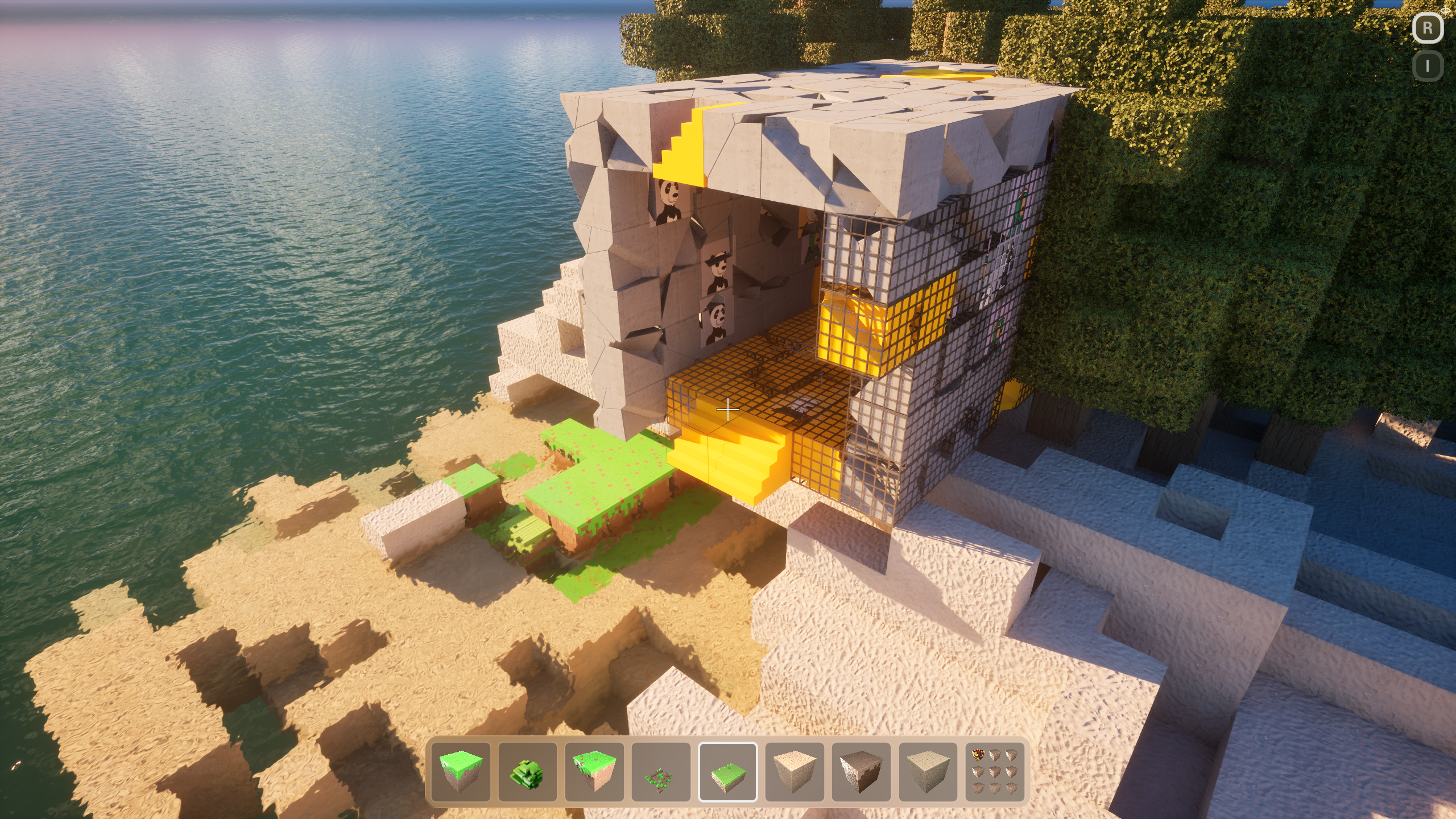
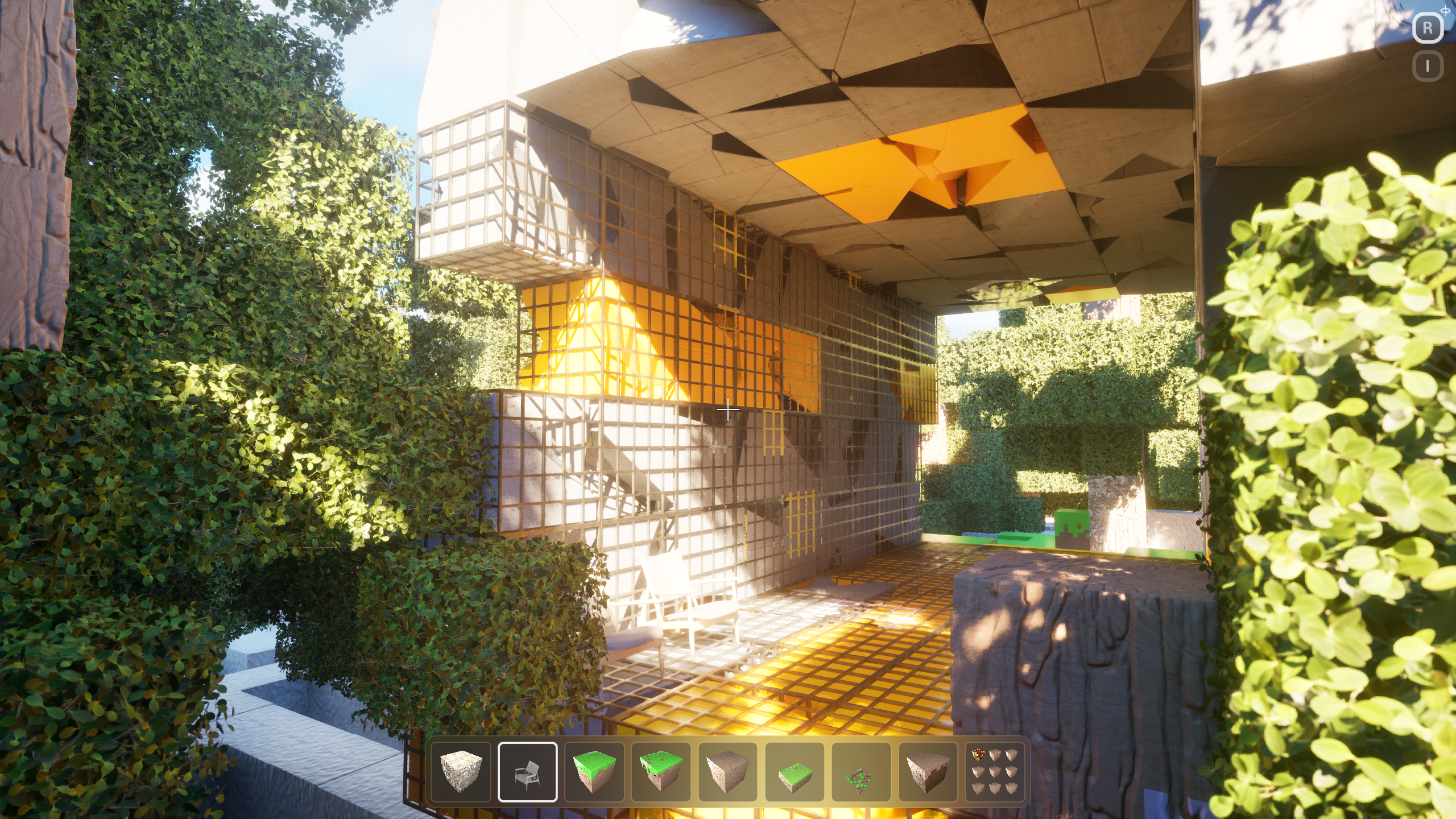
BouncePad.cpp · bounce 620 → 780
FVector Launch = GetActorUpVector();- Launch *= 620.f;+ Launch *= 780.f;+ Launch += GetActorForwardVector() * 90.f;Pawn->LaunchCharacter(Launch, true, true);
Re-read BouncePad.cpp. Requested 780 · observed 780.
Technical detail
Verified by authoritative read-back
unreal.lighting · rim light on flag
Bounce change verified. Reverse supported for a new governed attempt.
Request Reverse
09:18:02 Cook started on this machine
09:18:41 Play: Maze
09:19:08 Wrote Binaries/Win64/Bloxiti.exe
09:19:44 Waiting on playtest review
Know what will change before it happens.
Studio shows the requested result, the files or assets involved, and whether you can reverse the action before it runs.
Requested result
What this step is trying to achieve, in the terms of the project.
Files and assets involved
See which parts of the project the change is expected to touch.
Current project state
Keep a reliable before-state so the result can be compared afterward.
Approval when needed
Studio asks before actions that require your confirmation.
How the result will be checked
See how Studio will confirm the change and whether reversal is available.
A supported way back—not magic undo.
Reverse is available only for supported changes. It does not rewind the whole project or replace source control and backups.
What to know
Available where supported
The Reverse control appears only when Studio knows how to make the change safely.
Current state is rechecked
Studio checks the current project again before reversing anything.
Not a source-control replacement
Keep using Git, Perforce, and project backups for whole-project history.
See what actually changed in the project.
Studio compares the requested change with the project afterward instead of relying on a simple completion message.
Requested result and saved result
Compare what you asked for with what the project now contains.
Files and assets changed
Keep the touched parts of the project listed with the change.
Before and after
Keep both states available for comparison.
Project check
Read the changed value from the project and compare it with the request.
A clear result
See whether the change worked, failed, could not run, or is not supported.
Reverse supported changes without hiding history.
When reversal is available, Studio keeps the before-state, after-state, requirements, and limits together. Reverse creates a new project change instead of erasing the original one.
Change record
The exact change, project check, and before-and-after states.
Reversal details
What Reverse needs, what it will change, and where it cannot help.
Reverse
A new supported change back—not an edit of history or instant undo.