Local Engine Builds
Open the native project on your PC, choose a supported build, cook, package, play, or capture task, then review its status, logs, and output in one place.

Unreal
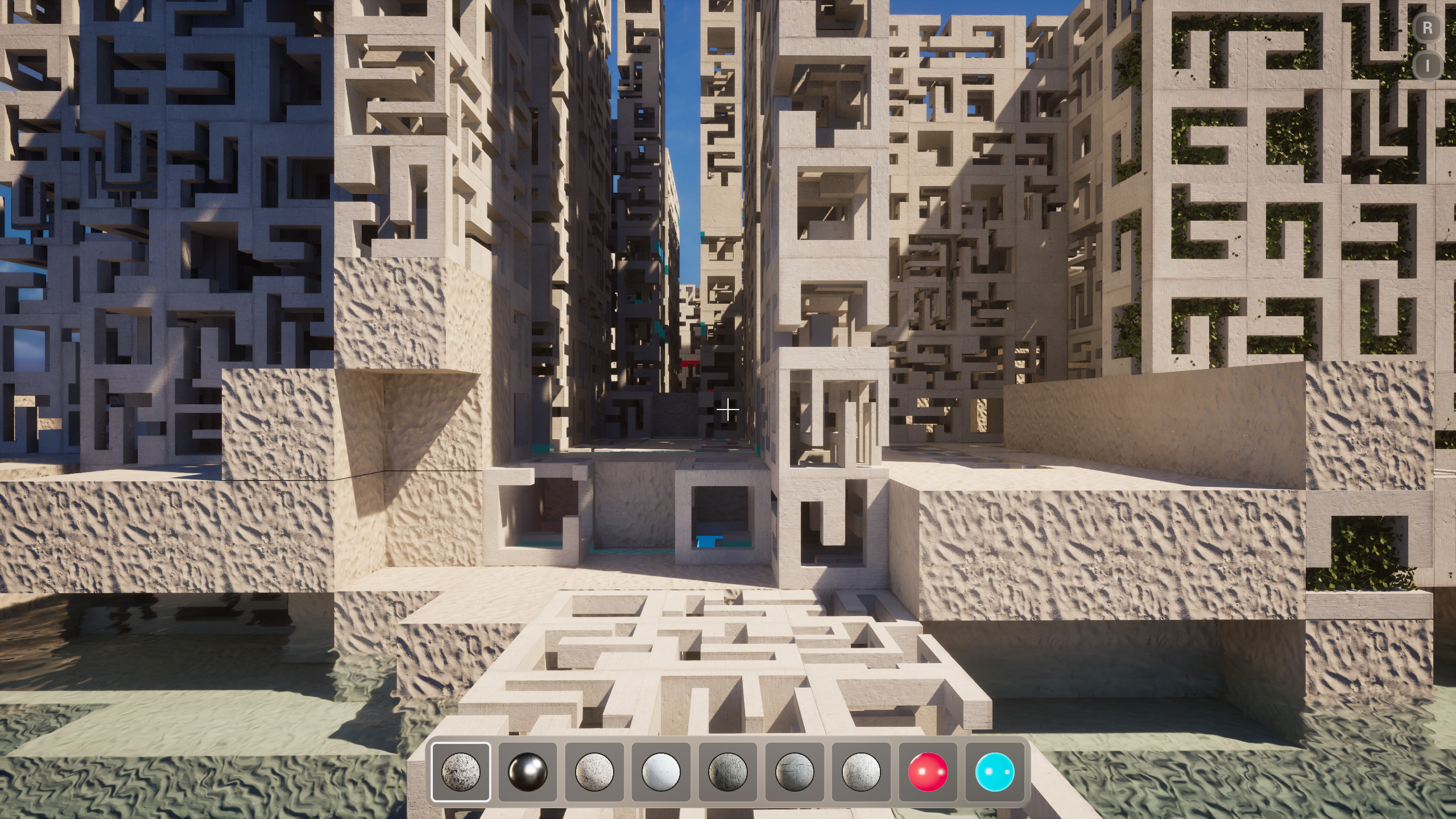
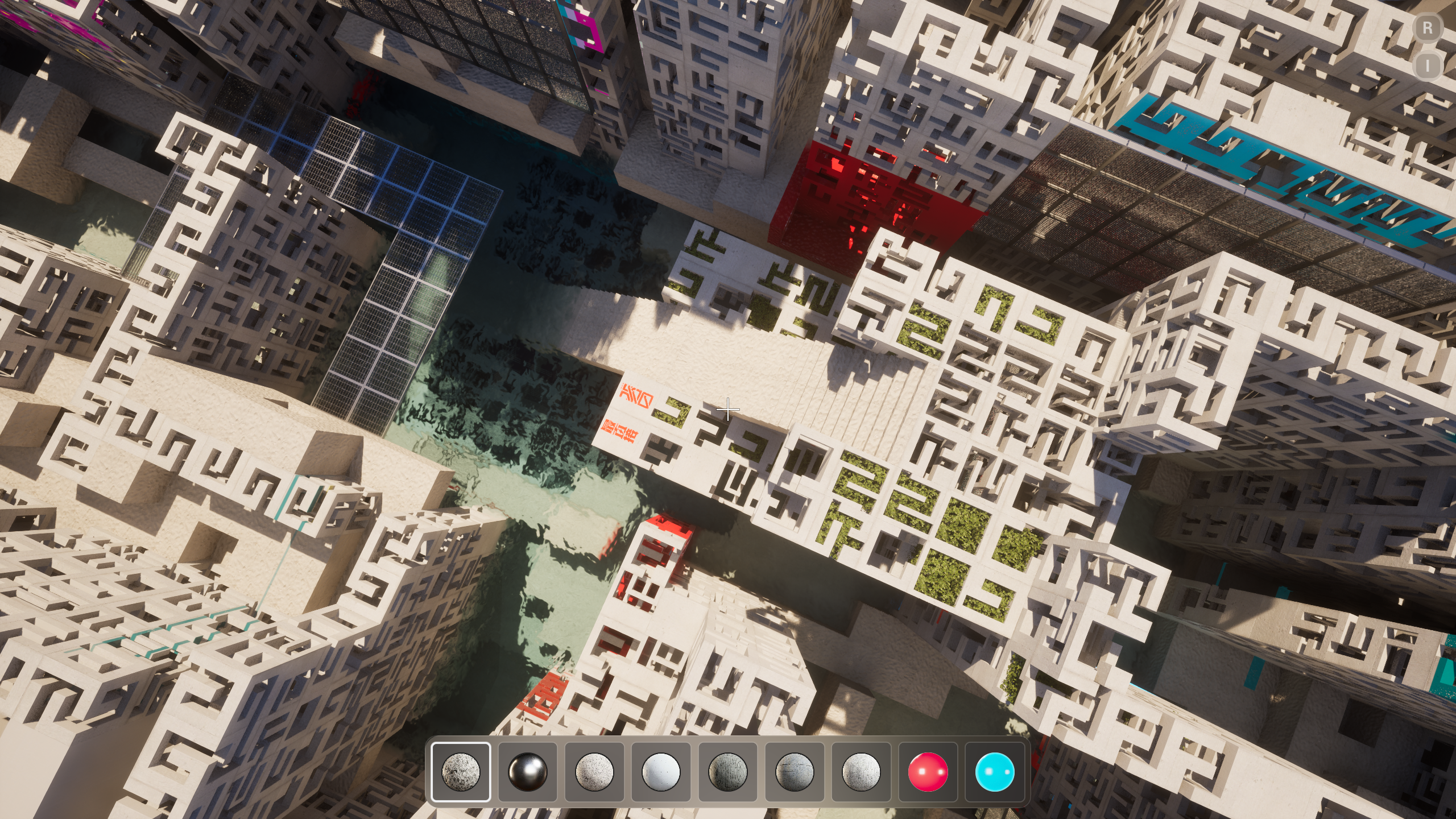
Maze from above
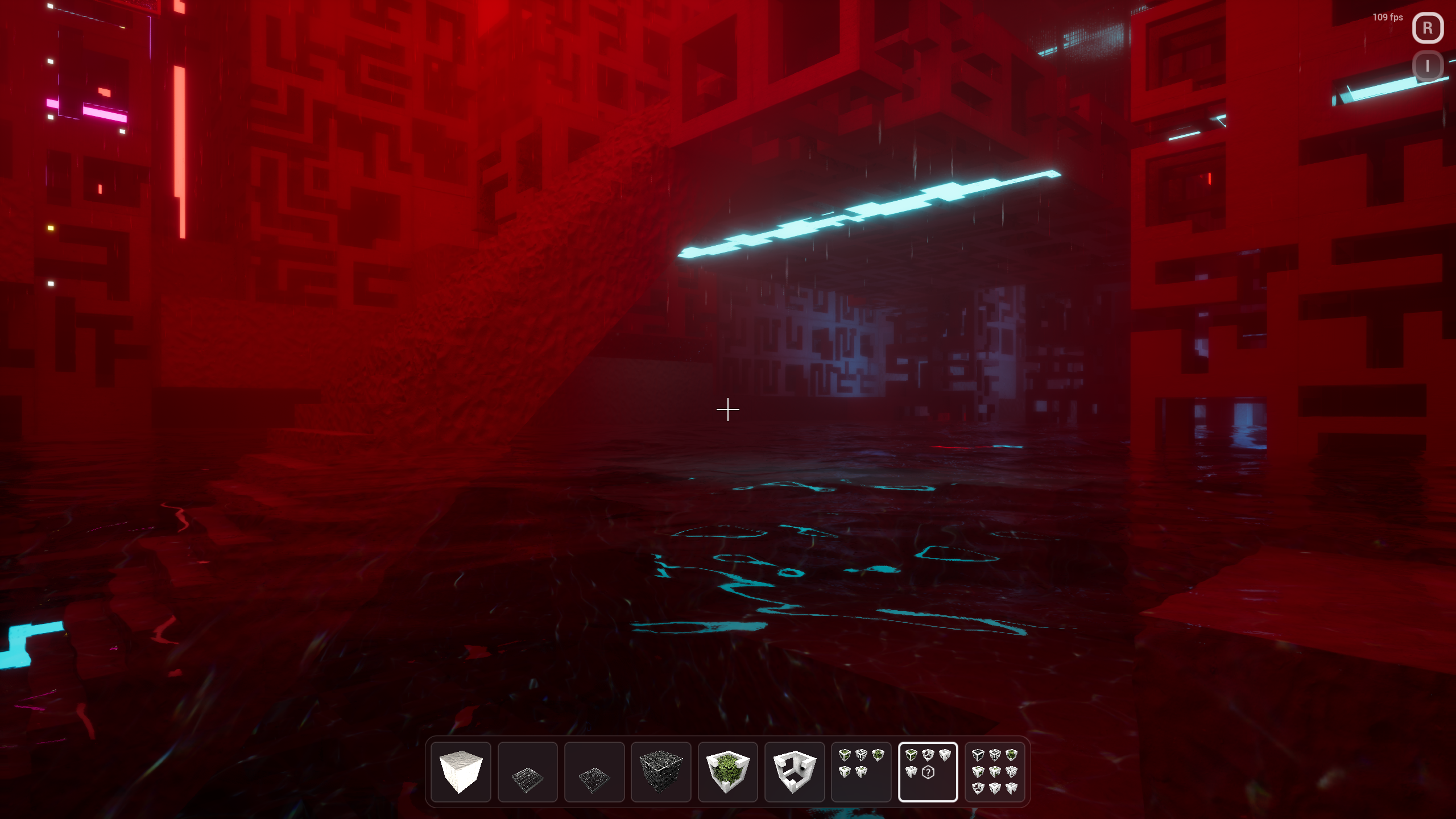
Red chamber
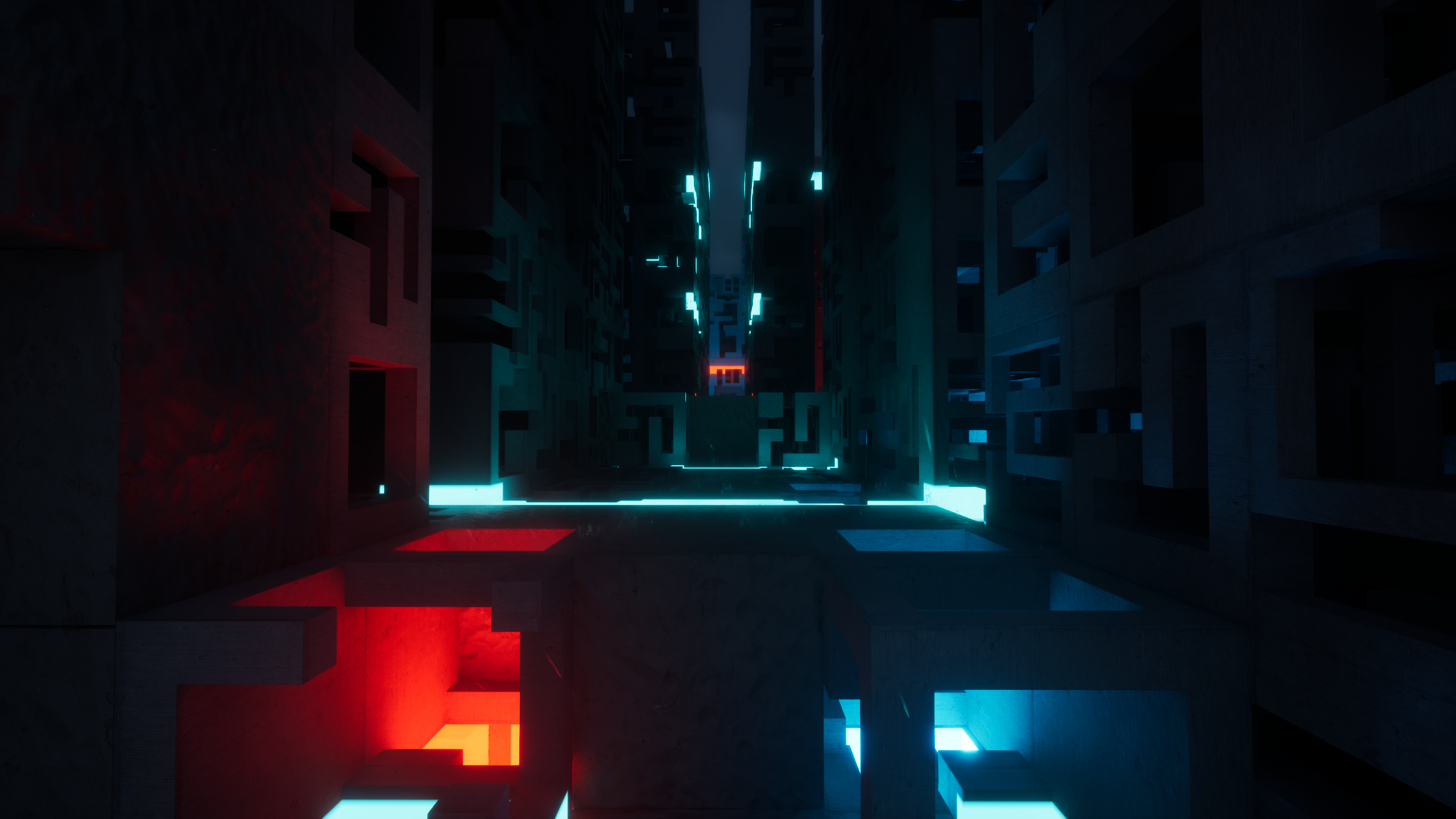
Neon corridor
Project files
- Bloxiti.uproject
- Content/Maps/Maze
- Content/Materials/MazeStone
- Source/Bloxiti/World/MazeBlock.cpp
- Binaries/Win64/Bloxiti.exe
In Maze
- Maze towerscarved stone
- Player startspawn
- Water floorreflective
- Neon stripscyan and red
- Glass walkgrid walkway
Bloxiti.uproject · Maze
UE5.8 · Play · Bloxiti on this machine
09:18:02 Cook started on this machine
09:18:41 Play: Maze
09:19:08 Wrote Binaries/Win64/Bloxiti.exe
09:19:44 Waiting on playtest review
The engine opens the project through its engine-owned route.
Studio opens the project through its engine-owned route. The project remains editable in its native engine and on disk. Maps, assets, source, configuration, and outputs stay ordinary project files you can inspect outside Studio.
Native maps and assets
Content stays in the engine project Studio opened.
Source and configuration
Code and project settings remain ordinary project files on disk.
Produced files
Logs, cooks, packages, and captures stay with the local project.
Know what will run before the engine starts.
Studio shows which tasks are available for the open project. Choose one, review the plan, confirm when needed, and run it on your PC. More project and engine combinations are being prepared for early access.
Play when a target is available
Open a runnable target supported by the current project.
Build or cook from a clear plan
Review the command first, then keep its local log with the project.
Choose the package target
See whether the target is supported and confirm the run when required.
Capture when supported
Capture appears only for projects with an available capture task.
A finished command is only the beginning.
See how the command ended, read its log, and check that the expected file or project change exists.
Selected engine and target
The engine, project, and target chosen for this task.
Run status
How the local command ended.
Transcript
The local log for that run, kept with the project.
Expected output
What should exist after the task, and what Studio found.
Clear problems
Missing output, mismatches, blocked runs, and unsupported tasks are shown clearly.
Your native project stays native.
Project source, assets, build logs, and generated files stay on your machine. Optional diagnostics send only approved, redacted information. Raw source and private assets are not uploaded.
What to know
Local project possession
Source, logs, and generated outputs stay where the project is opened.
Support for the open project
Studio shows only the tasks available for the selected engine and project.
Diagnostics are optional
Optional diagnostics are a separate choice. Raw source and assets are not uploaded.