Gamibase Studio for Unreal Engine
Open the Unreal project you are already building. Direct the next change, run useful engine tasks, inspect the result, and bring what you learn into the next iteration.
Keep the work inside your real project.
- 01
Start with the existing project
Keep your maps, assets, source, and configuration in their native project. Studio brings the next task and its context into the workspace.
- 02
Do useful engine work
Choose an available build, cook, package, play, or capture task. See the intended work and review a change before it runs.
- 03
Build, play, and inspect
Keep the output with the task that produced it. Look at the game, review a playtest moment, and decide whether the result matches the direction.
- 04
Continue with context
Carry decisions and results forward across code, scenes, and assets. Keep supported recovery with the change, so the next move is informed.
Real projects give the tools a purpose.
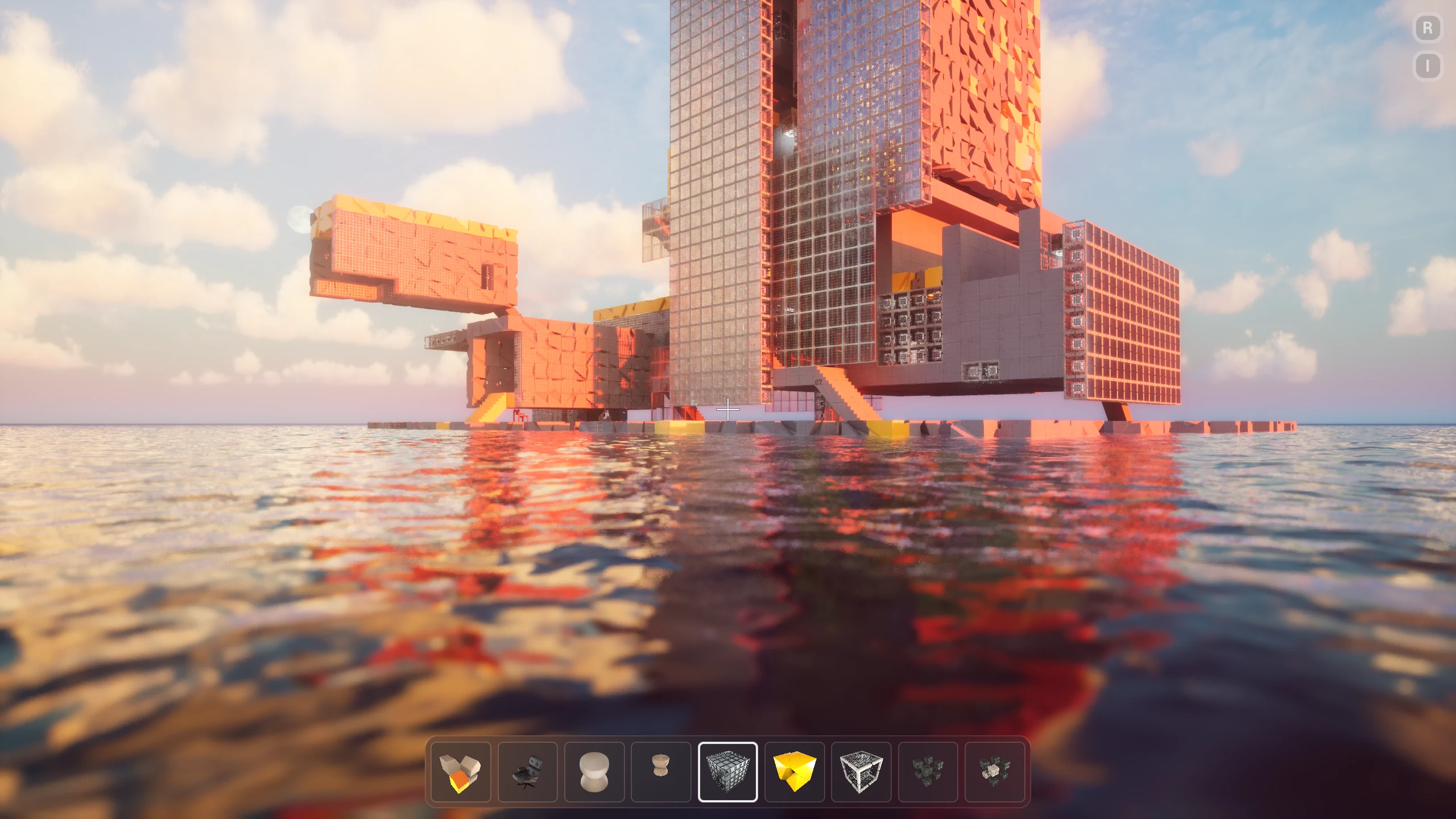
Our work on Bloxiti and Univerce brings modular environments, authored scenes, engine execution, and visual review into everyday production. Explore the projects and the results behind our direction.
Explore our workBring the next idea into the project.
Join the waitlist for Studio updates and future access openings.